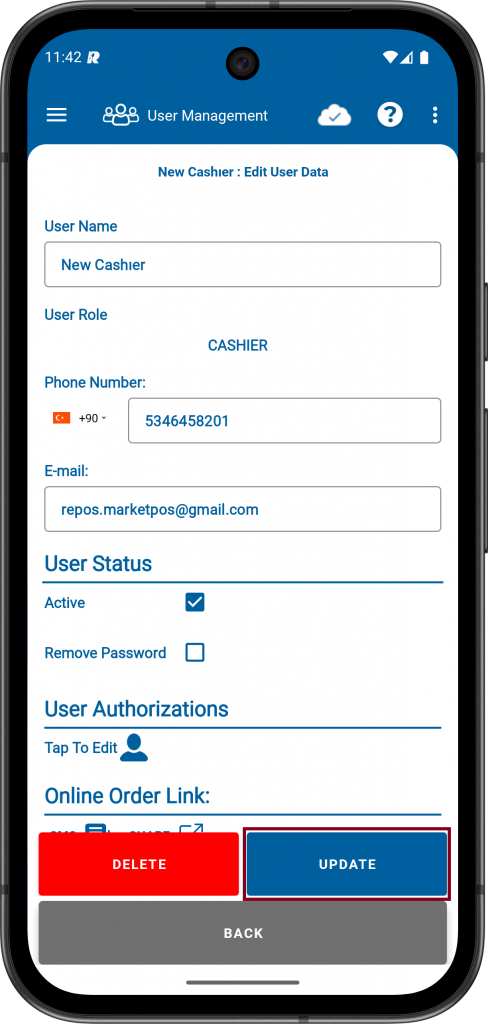
On this page, it will explain how to edit the privileges of the safe user.
STEPS:
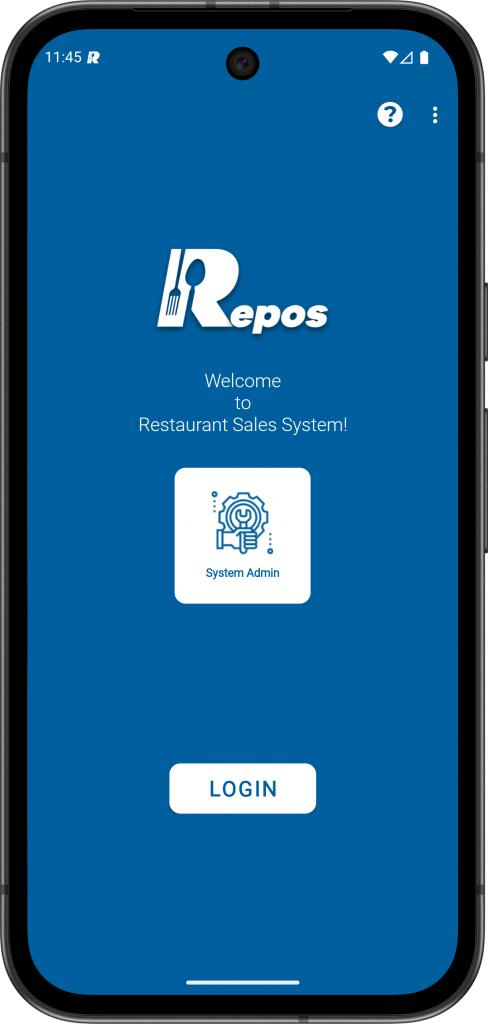
1- Login to the RePOS application with “System Admin” user.
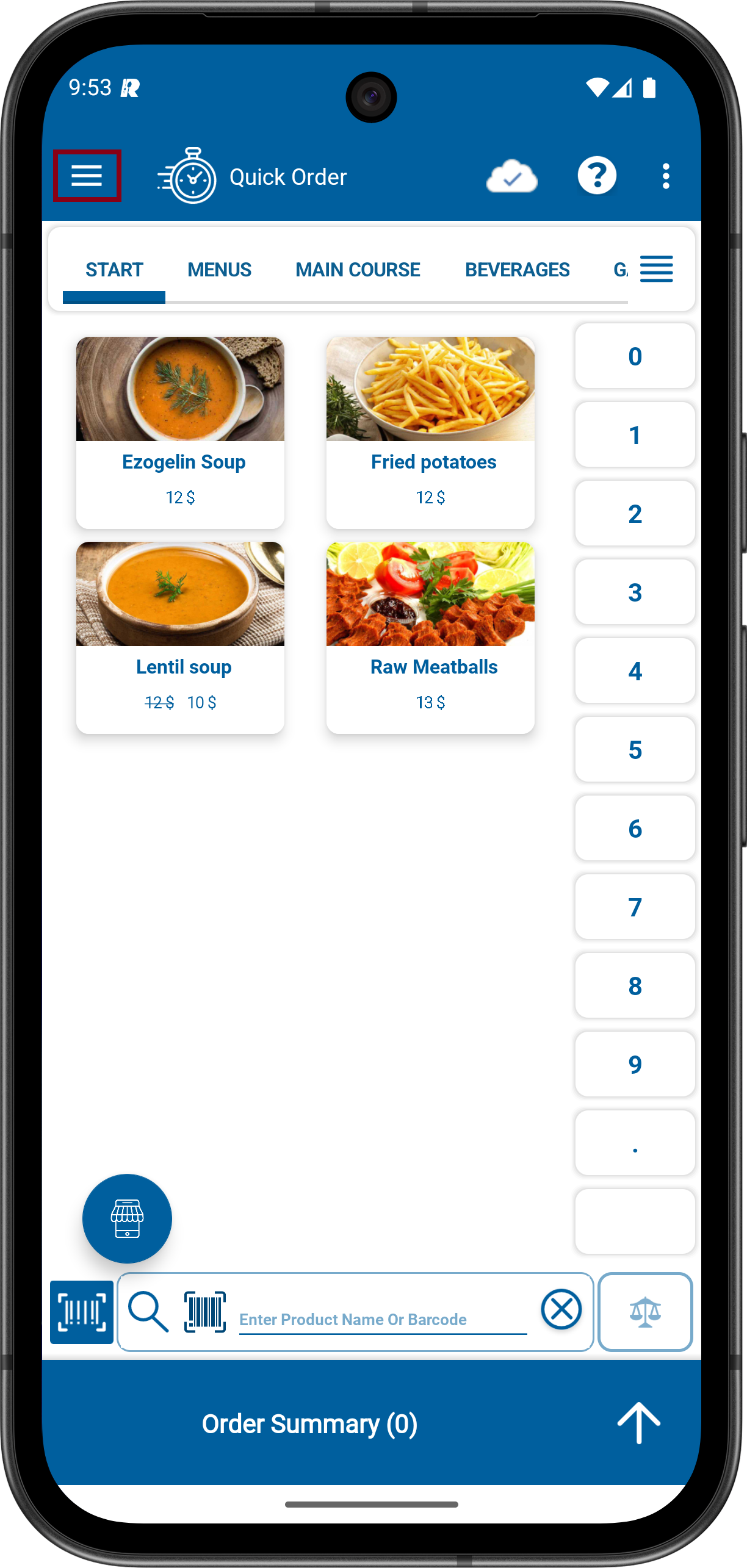
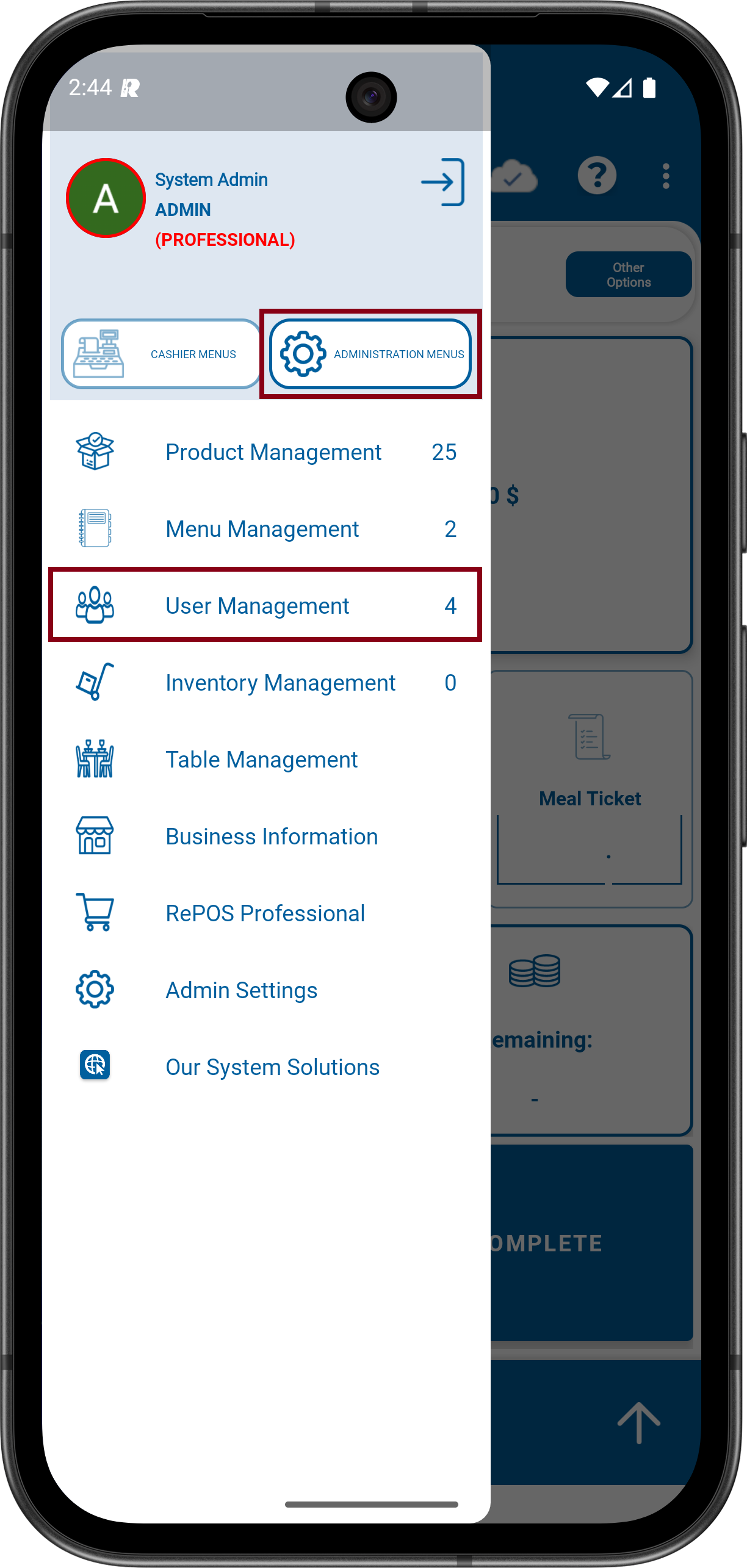
2- Click to Menu icon on the upper Left. Click to ADMINISTRATION MENUS and then click to User Management.
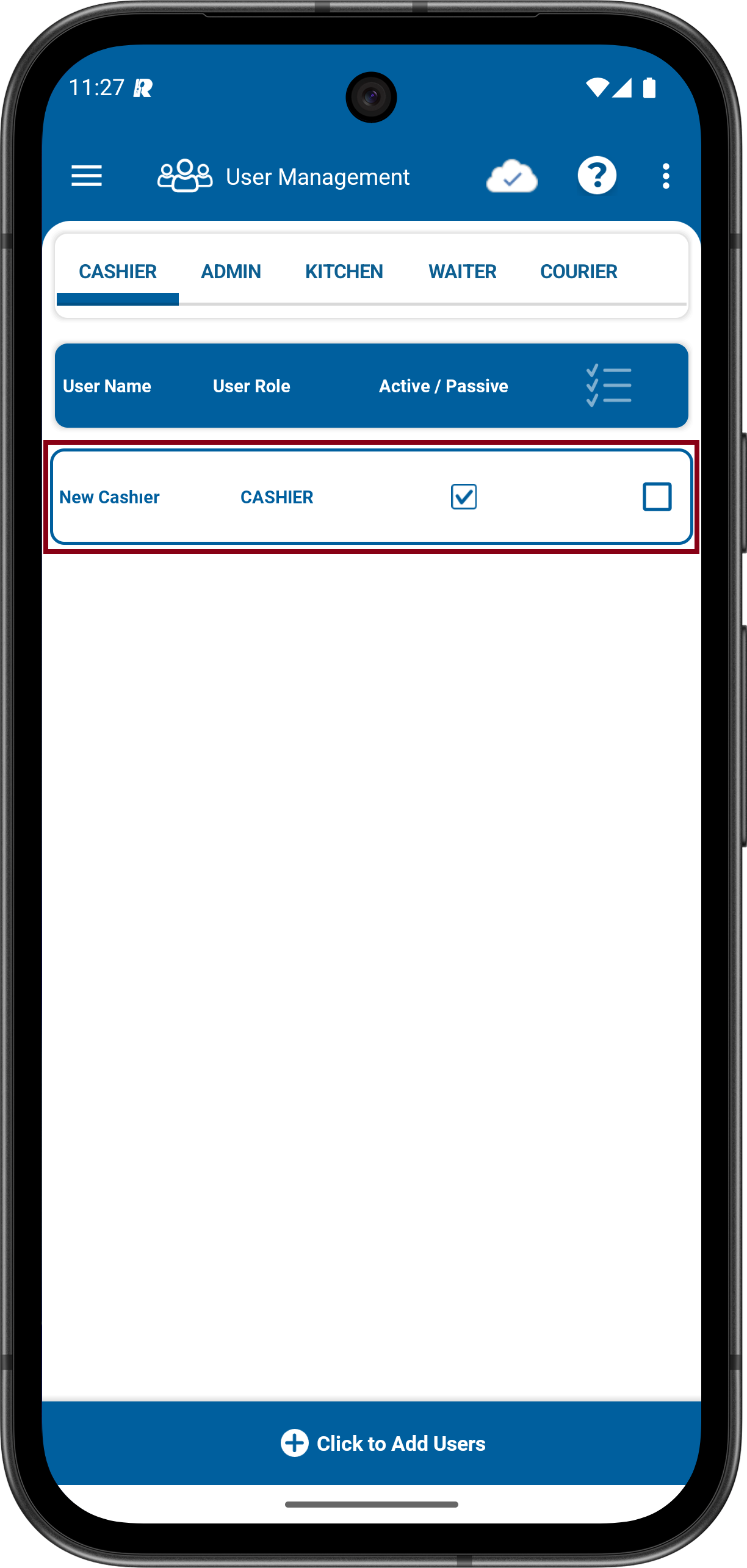
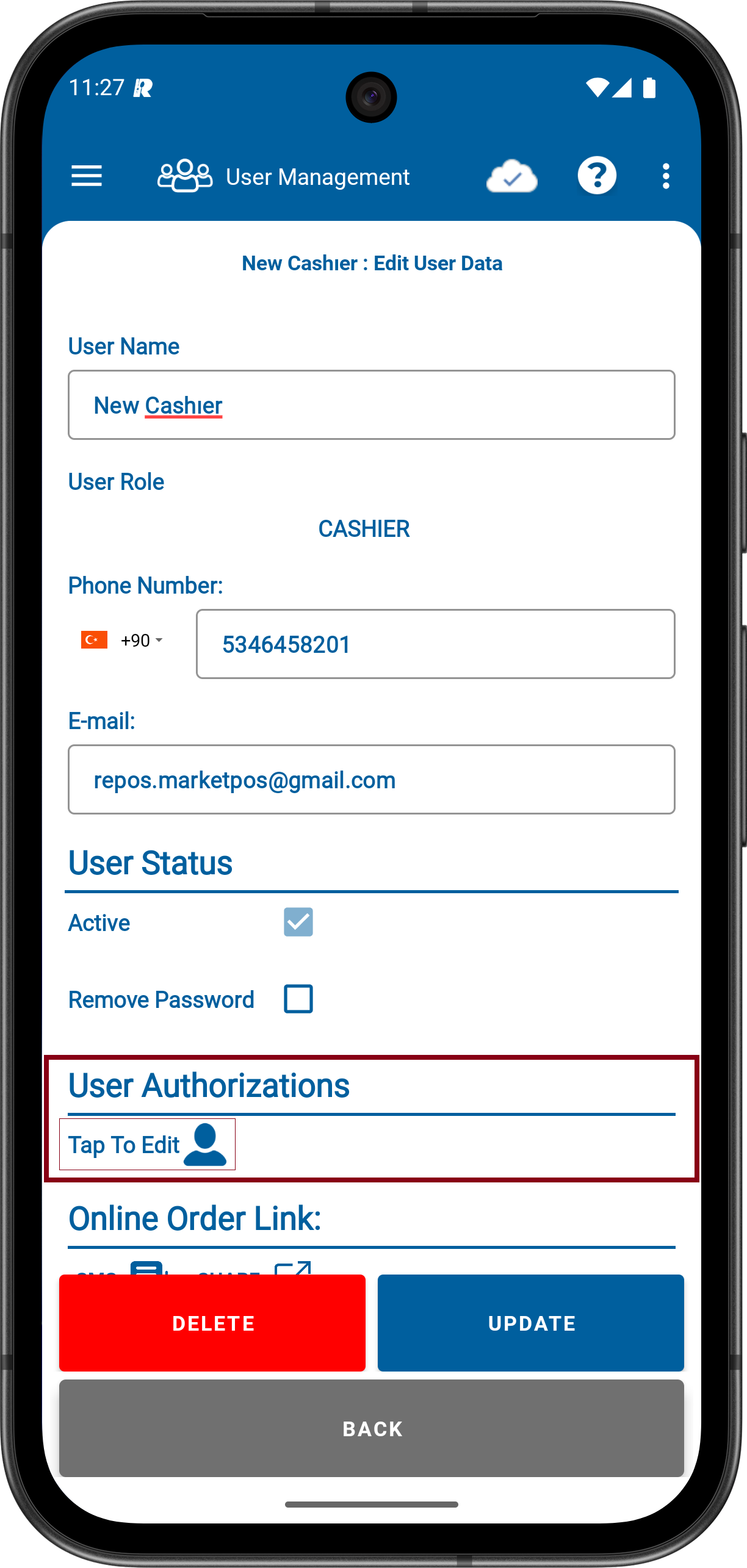
3- Log in to the Cashıer Section from the user categories. Tap on the Cashıer User whose privileges you want to edit. On the cashier user editing screen, tap the User Authorizations edit button.
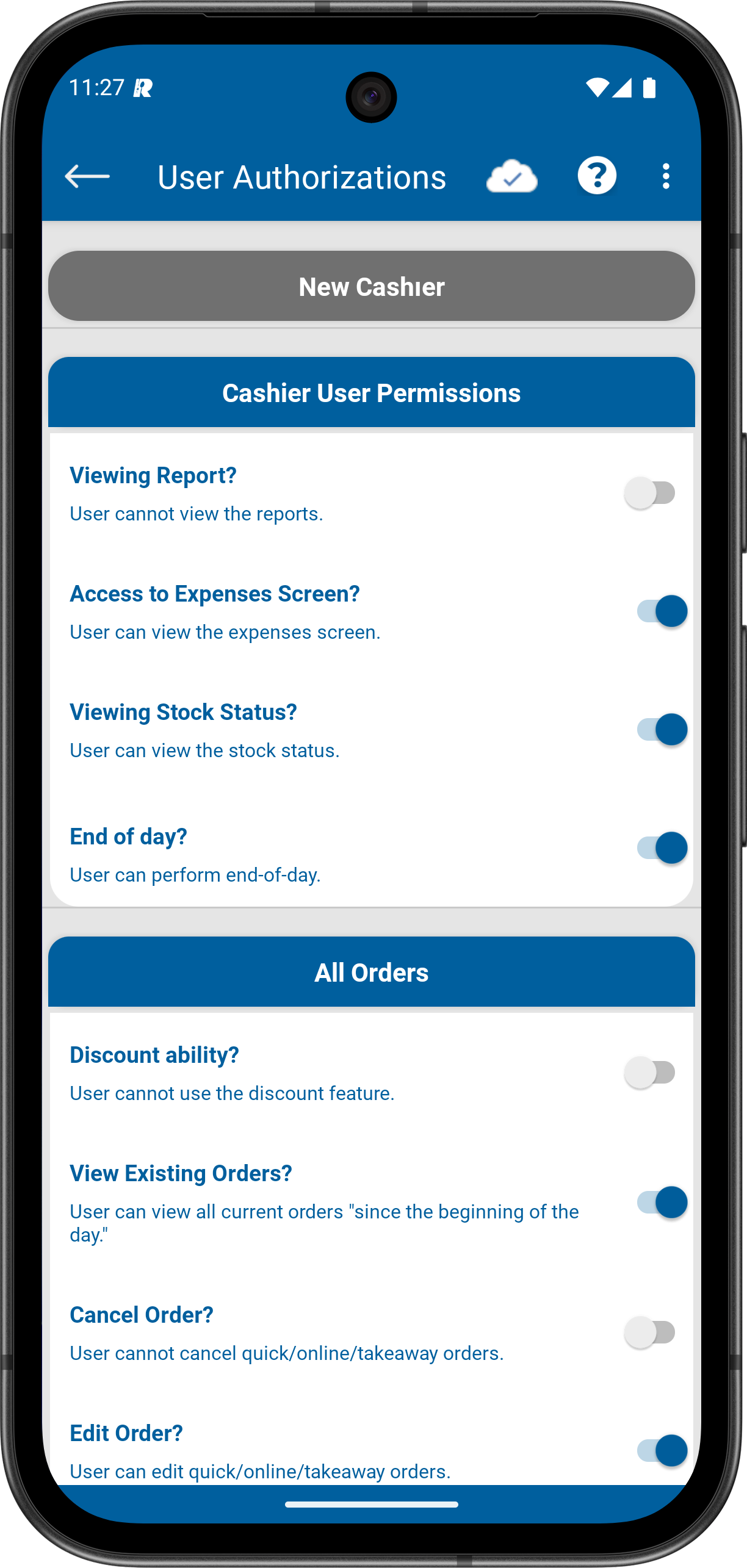
4- On the authorization editing screen, decide what permissions you will grant or not grant to the cashier.
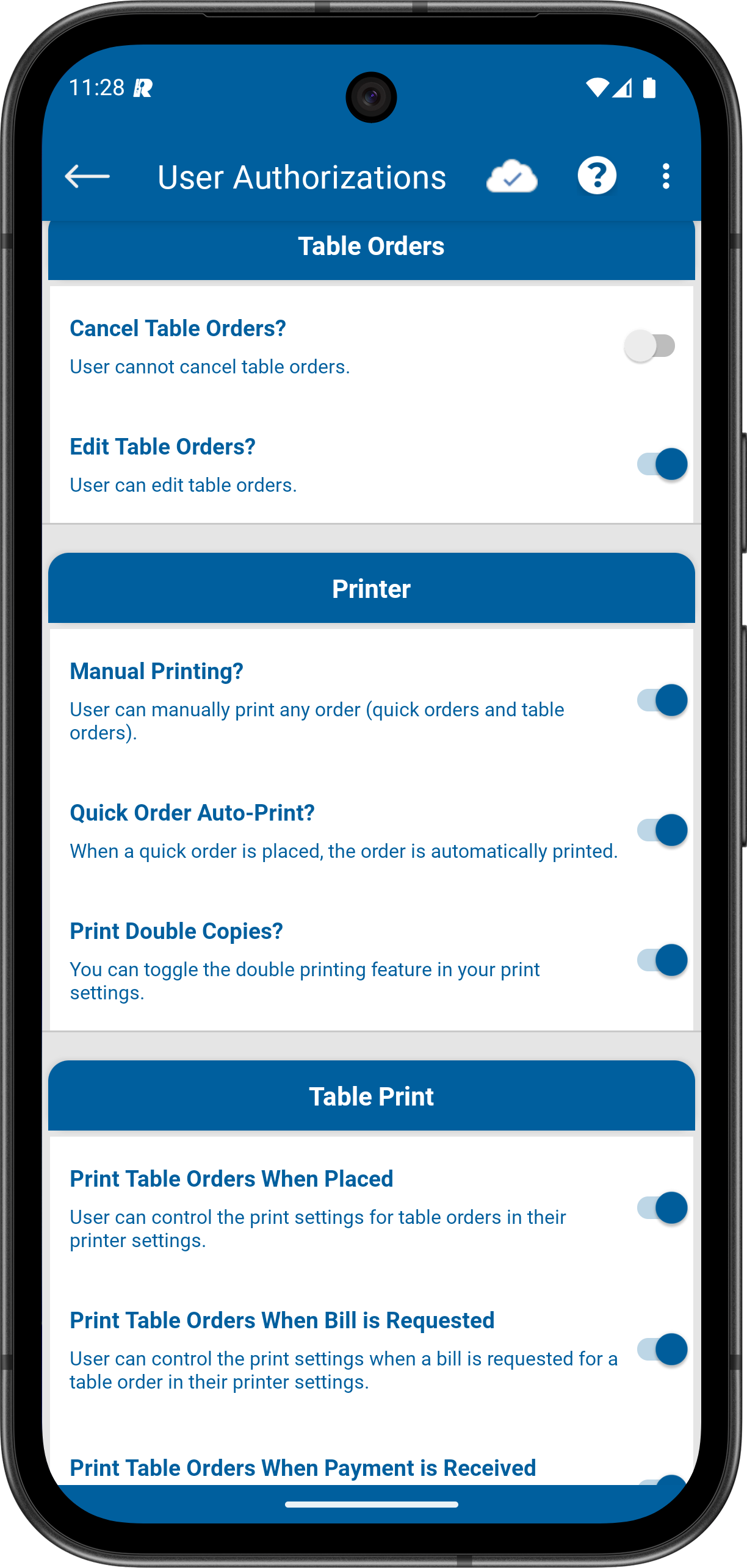
5- Tap the Update Button to save your changes. Process completed.