This page will explain how to define the waiter user to the system.
STEPS:
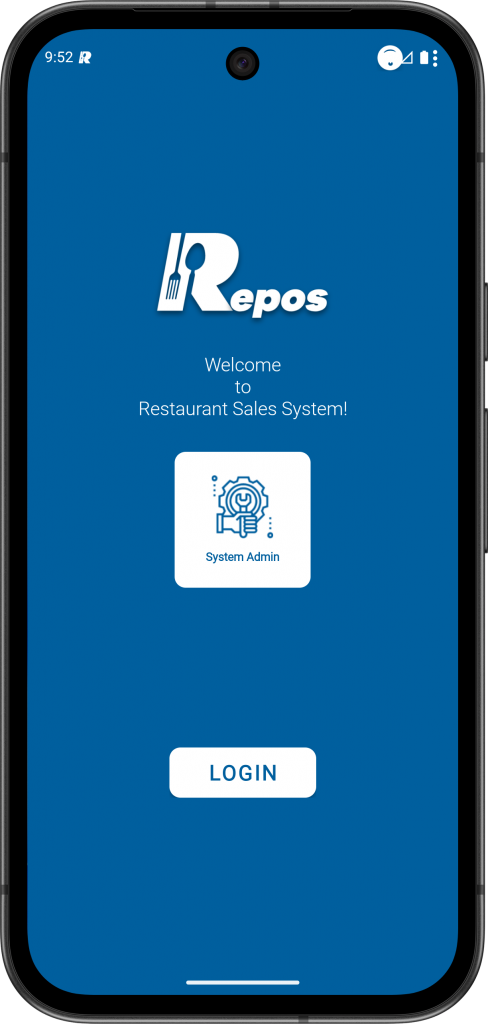
1- Login to the RePOS application as “System Admin” user.
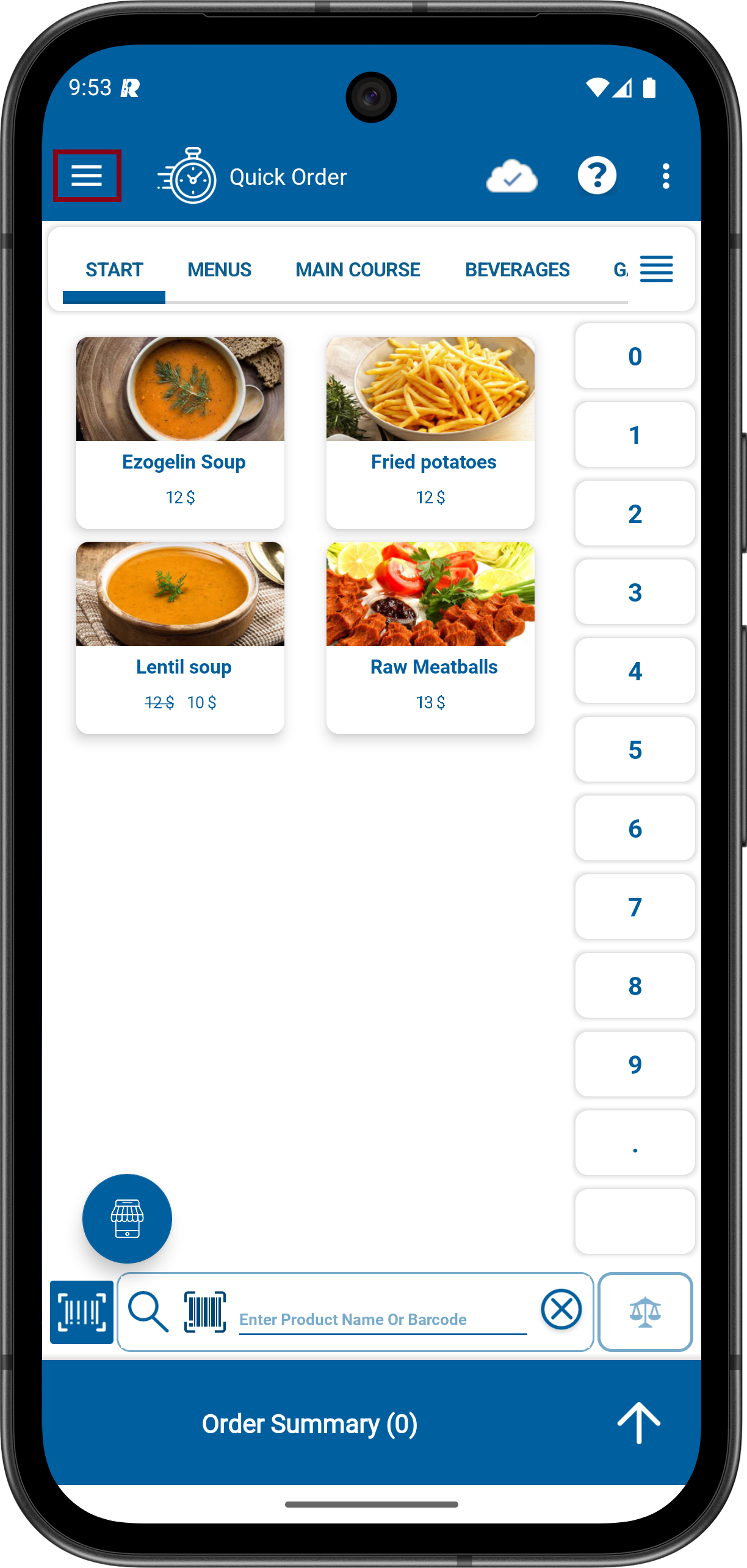
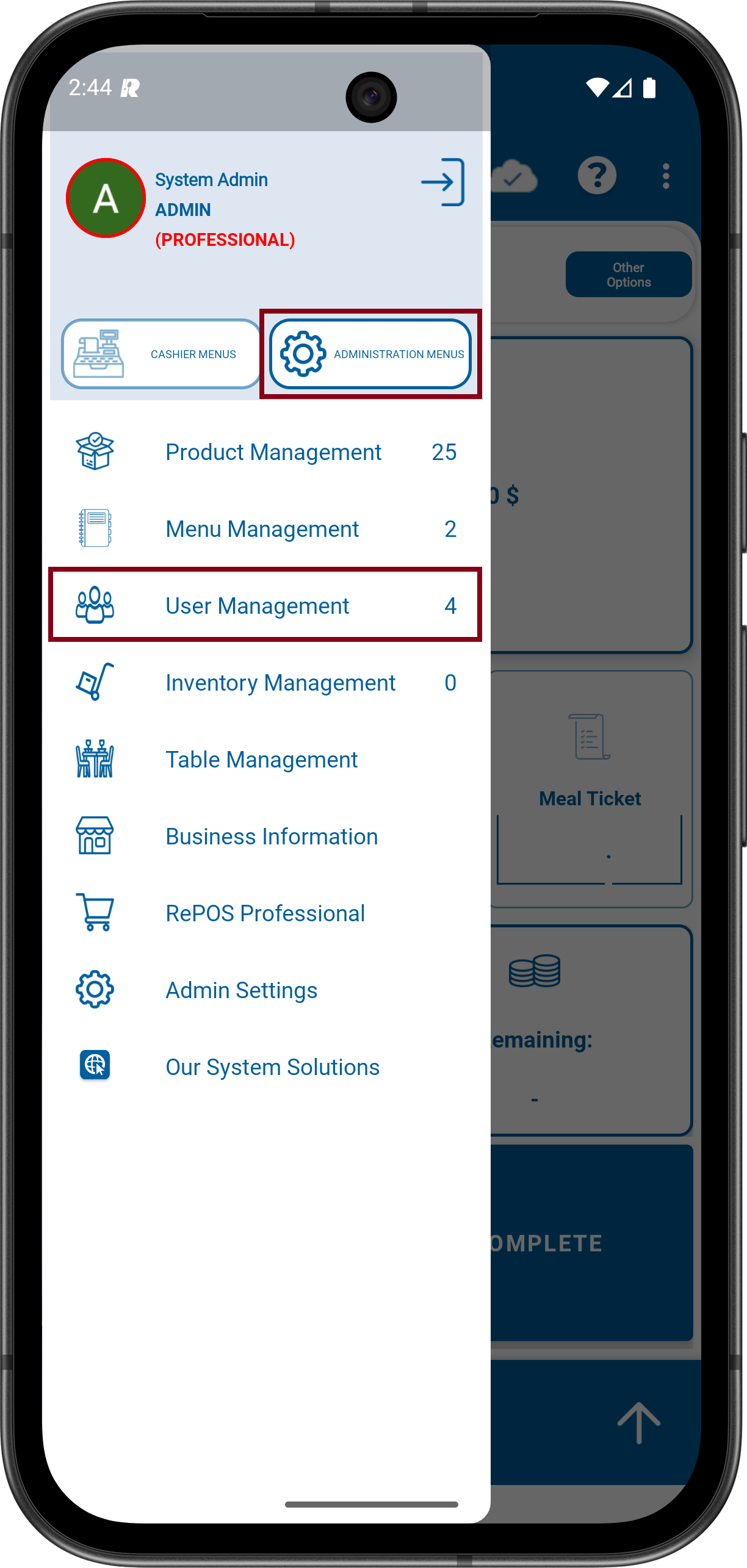
2- Click to Menu icon on the upper Left. Click to ADMINISTRATION MENUS and then click to User Management.
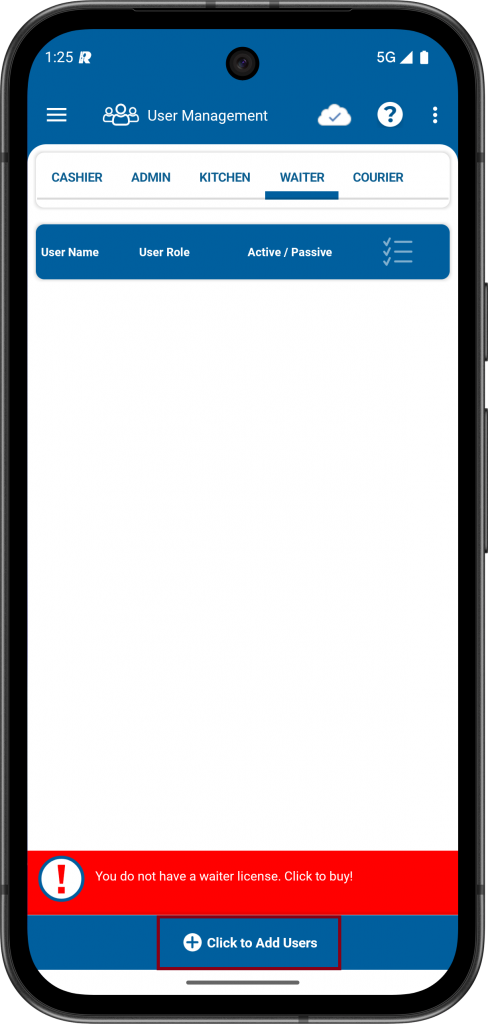
3- Select the WAITER area. Click on the “Click to Add Users” area at the bottom.
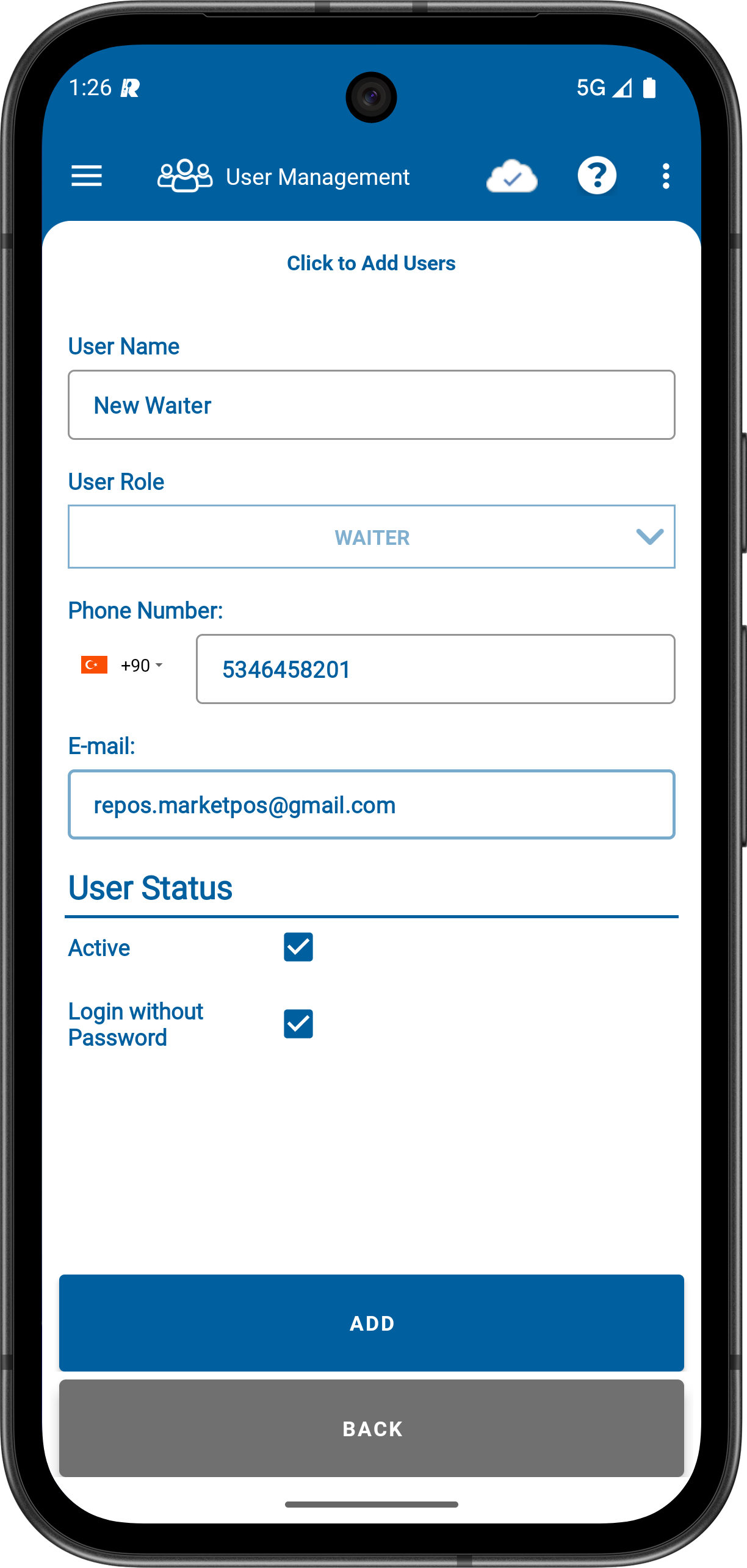
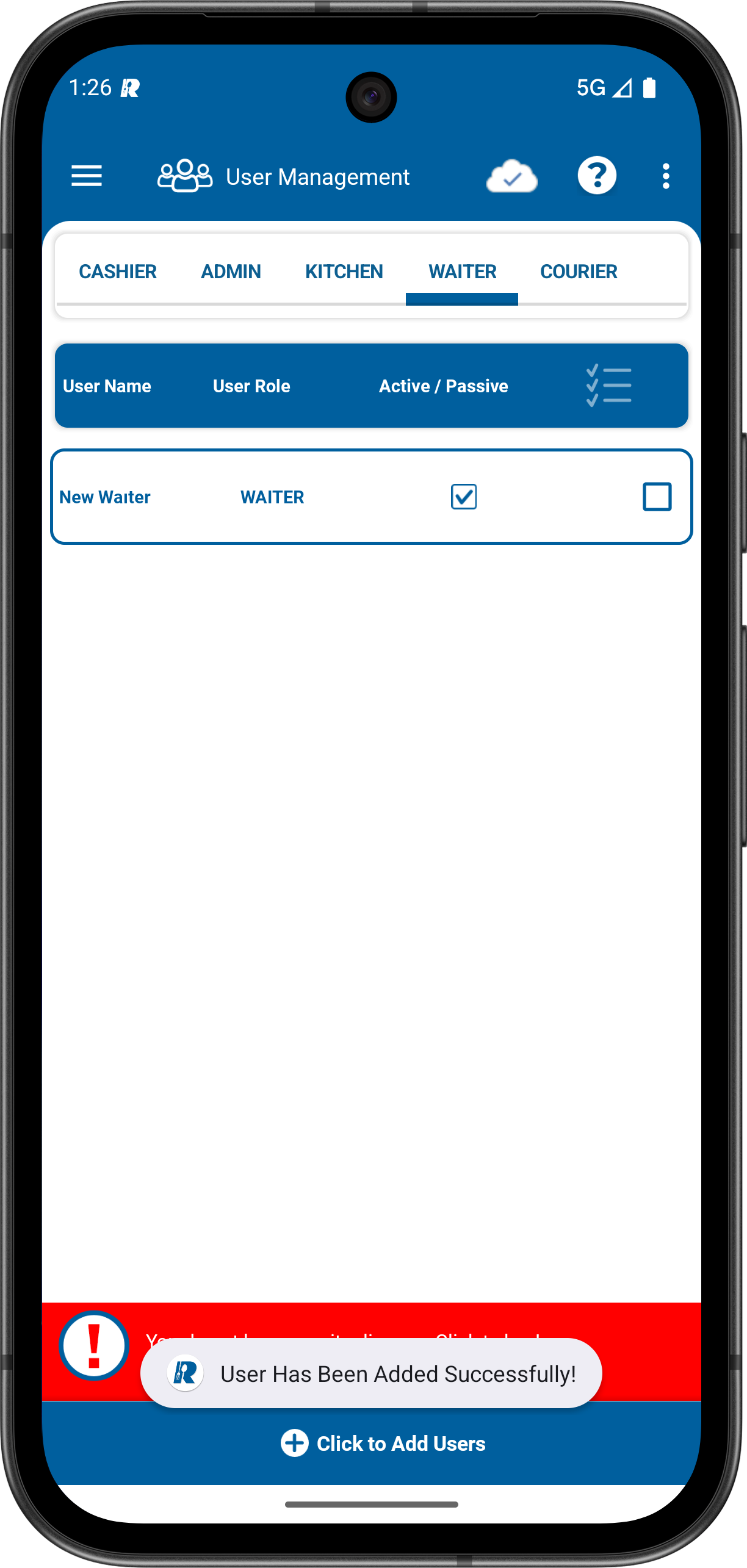
4- Enter the name, phone number, e-mail address and optional password for the user. After tapping the ADD button, the new admin user will start appearing in the list.
How to log in with Waiter?
Can you log into the RePOS application from anywhere and any device with the waiter user you’ve added. You can log in with the email address you added for the waiter user.
STEPS:
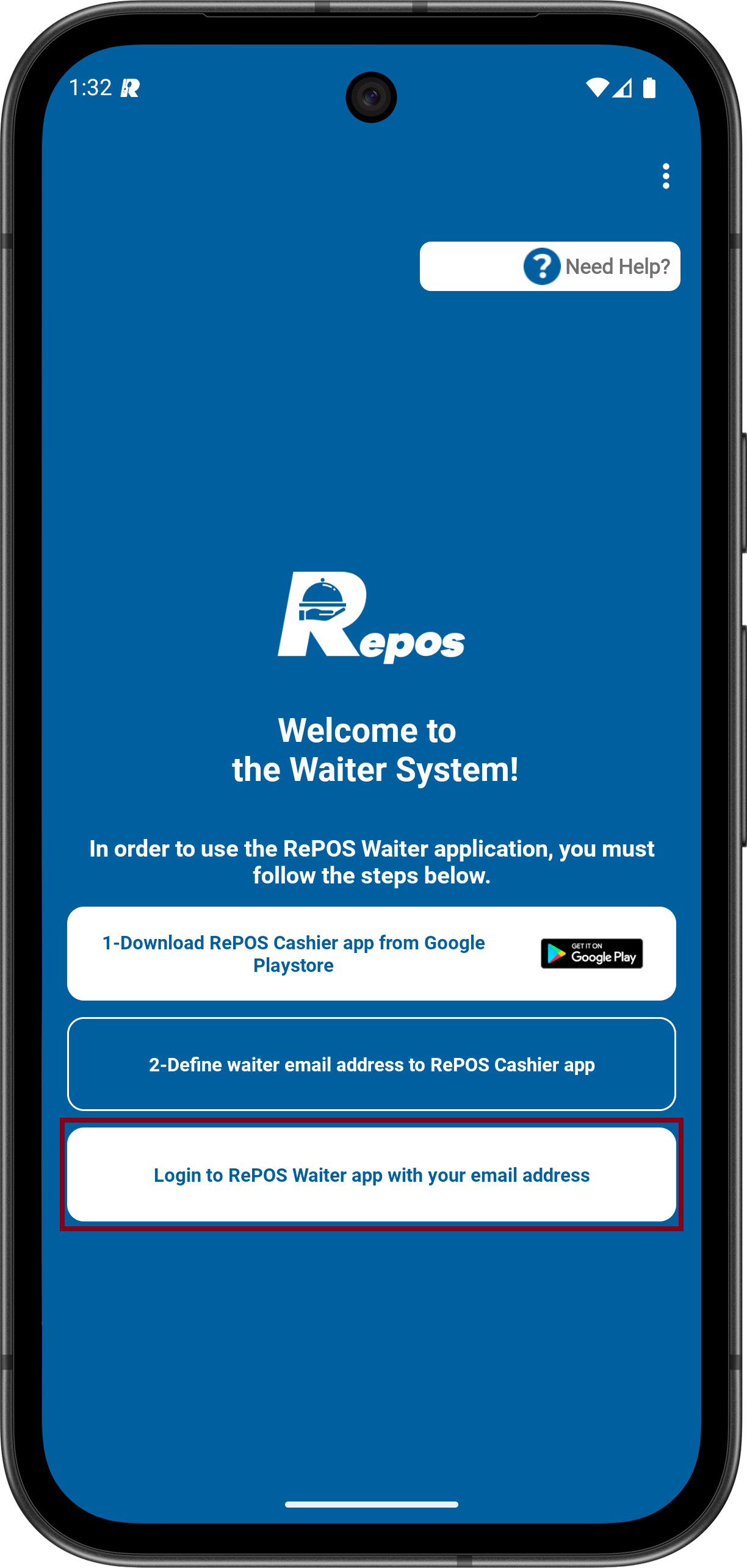
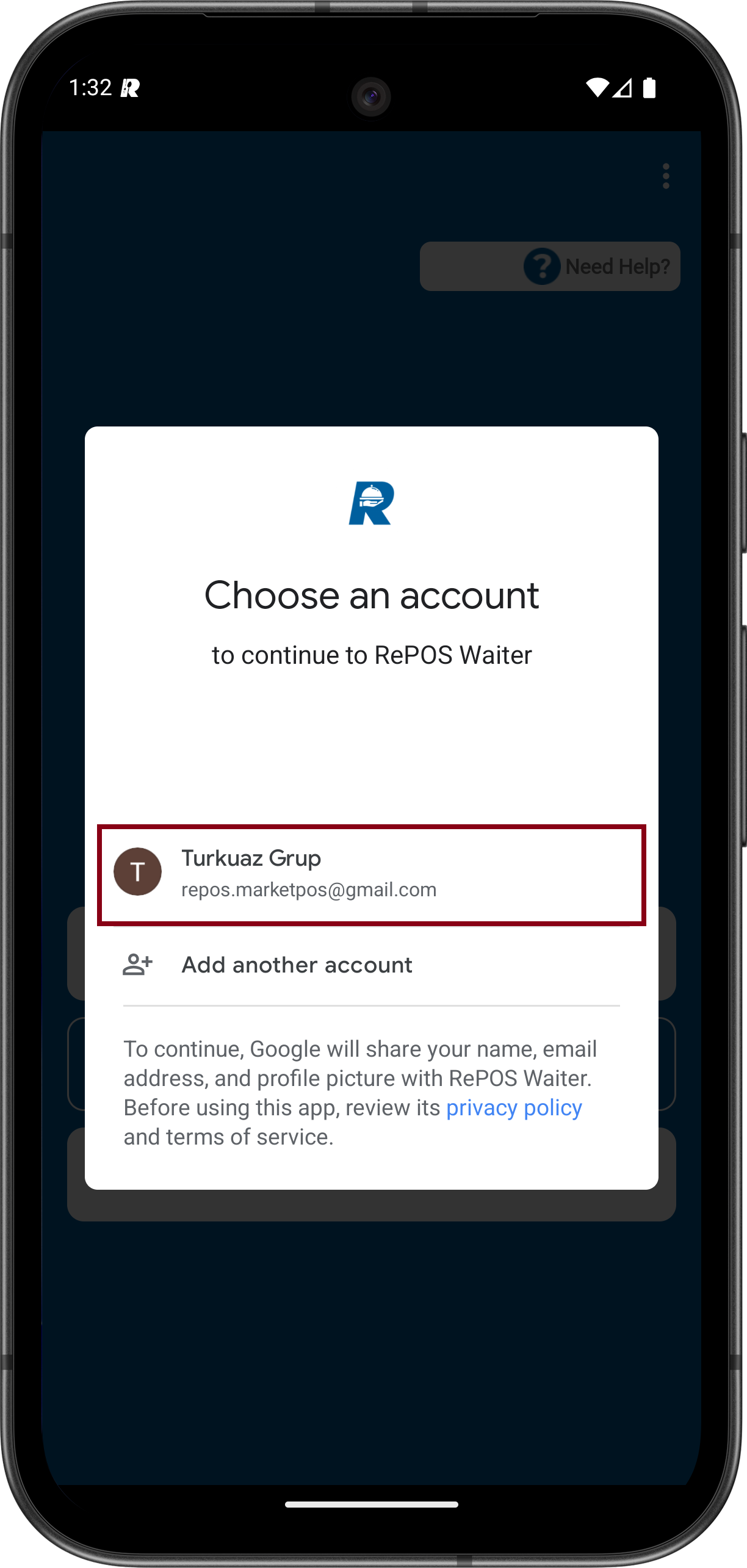
1- On the application login screen, select “Login to RePOS Waiter app with your email adress“. Select the email address you added for the Cashier user and complete the login proces.
In step 4, we registered repos.marketpos@gmail.com for the Cashier user. You can log in using this email address.