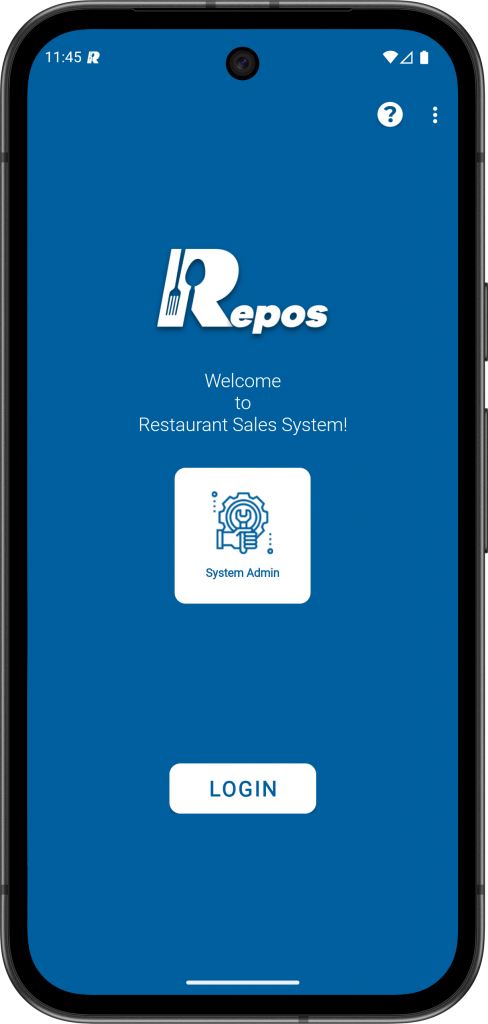
1- Login to the RePOS application as “System Admin” user.
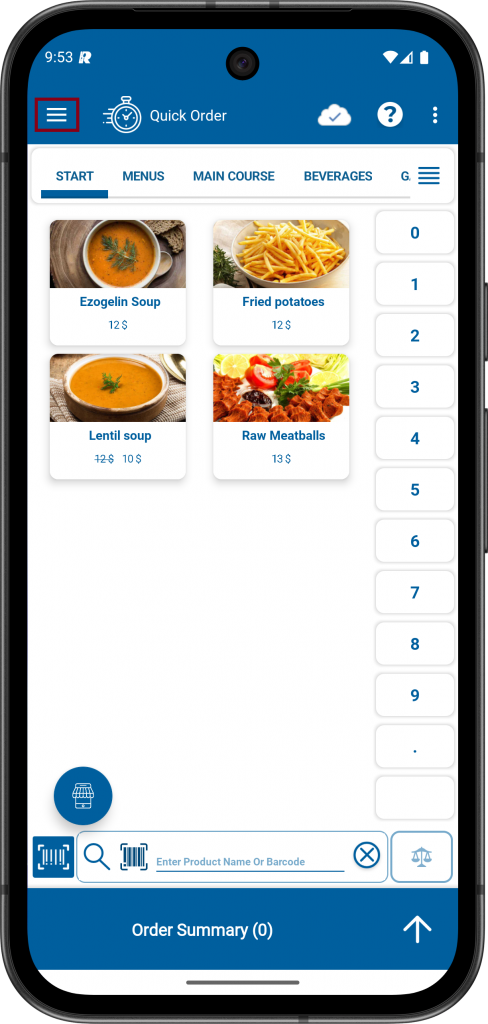
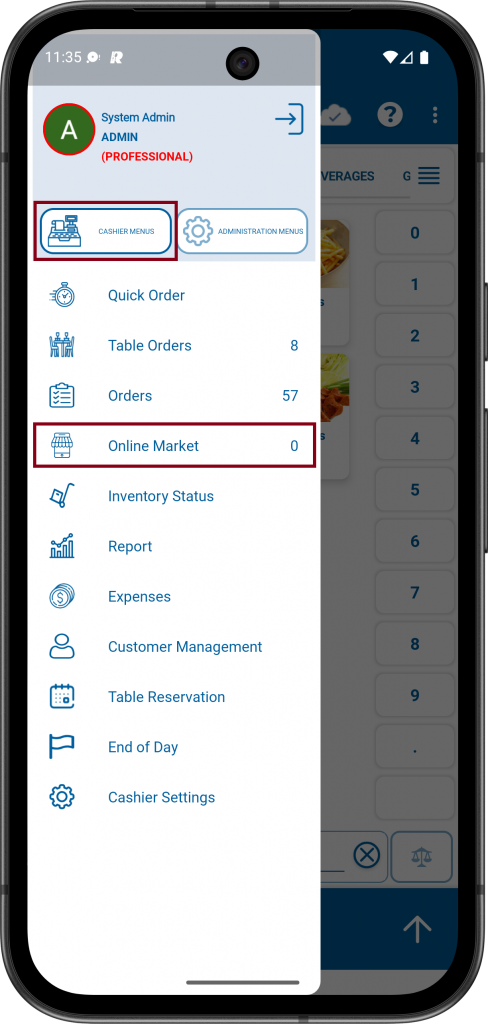
2- Click to Menu icon on the upper Left. Click to CASHIER MENUS and then click to Online Market.
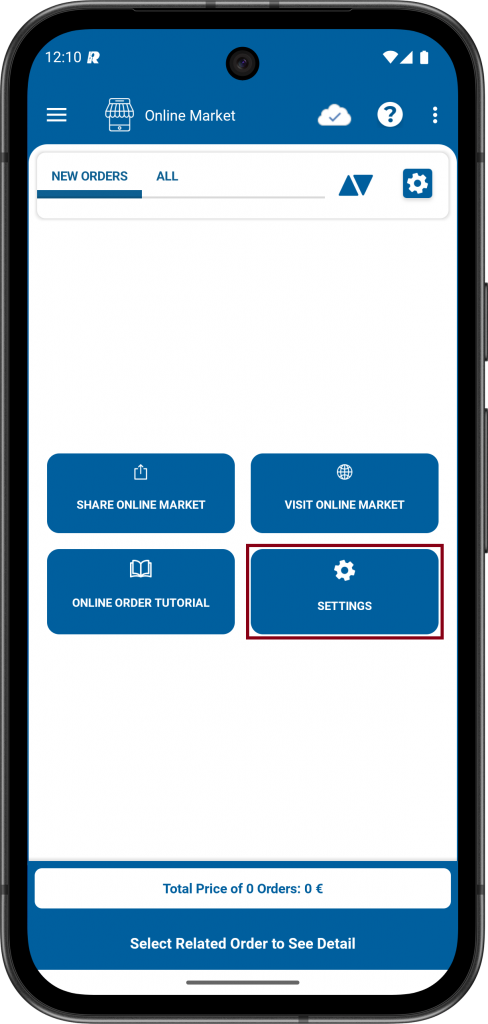
3- Click the SETTINGS icon.
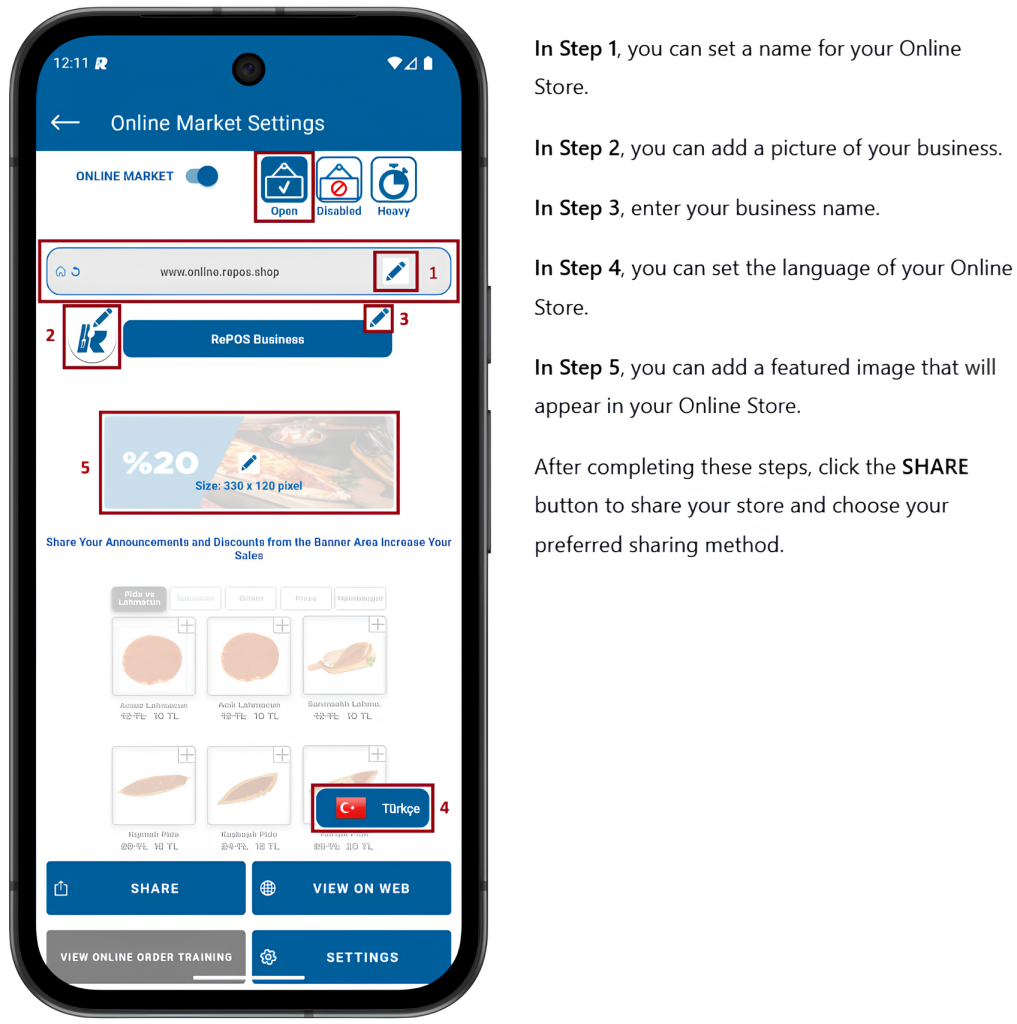
4- In the Online Store Settings, click the OPEN button to activate your online store. Use the DISABLE option to close the store when needed. The HEAVY status indicates that your store is busy.