On this page, the Online Cashier Web Application feature of the RePOS application will be explained. Thanks to this feature, you can use the application in web browsers on devices with various operating systems such as windows, iOS, Linux without downloading the application.
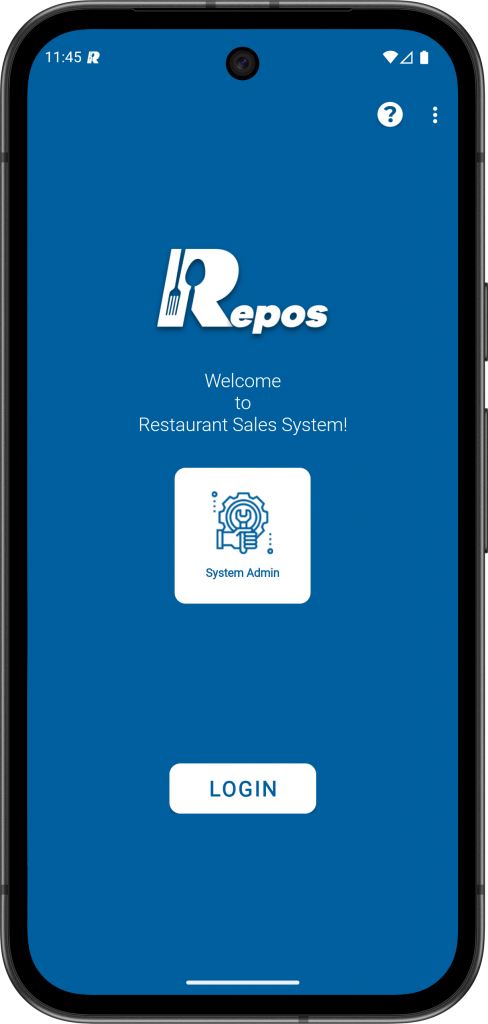
1- Login to the RePOS application as “System Admin” user.
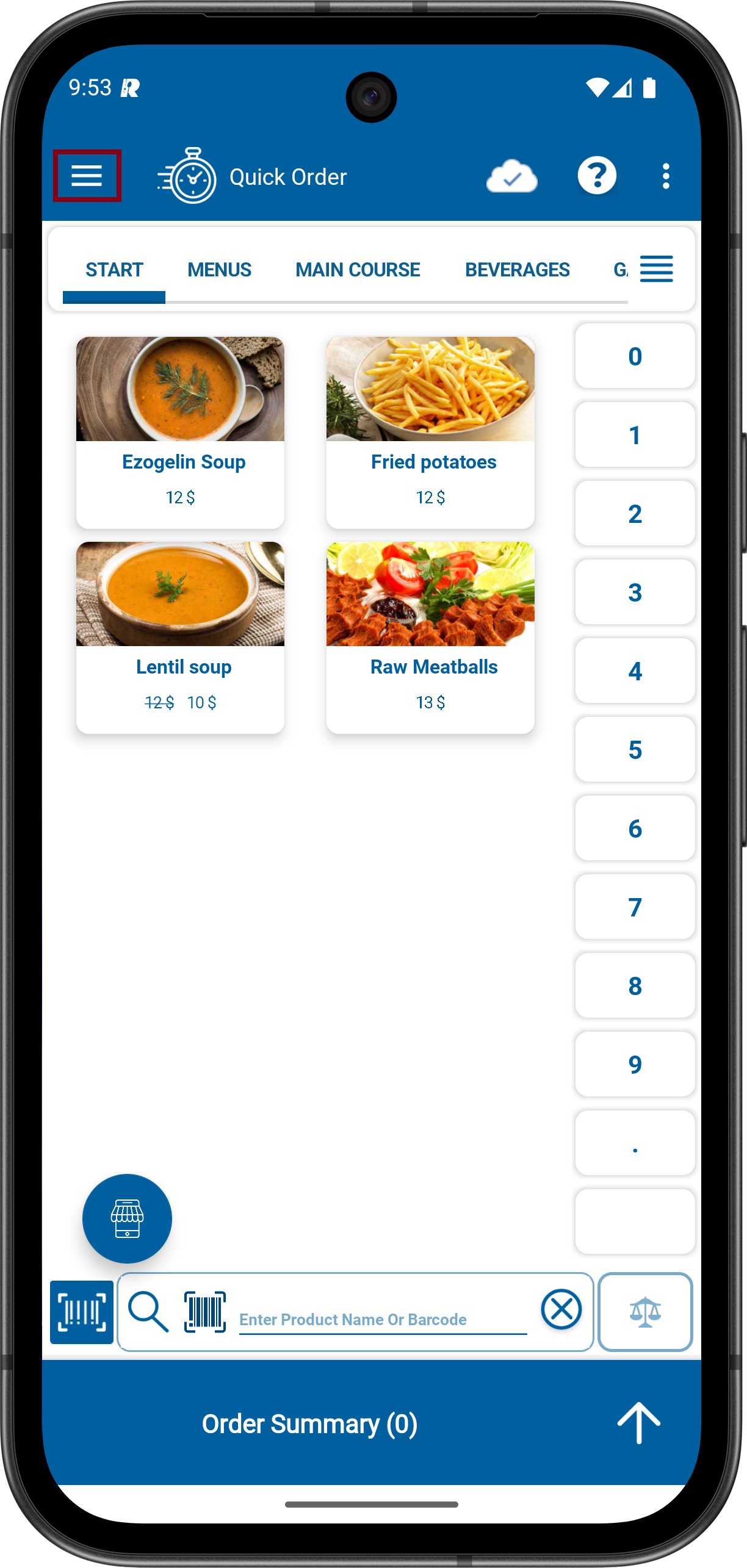
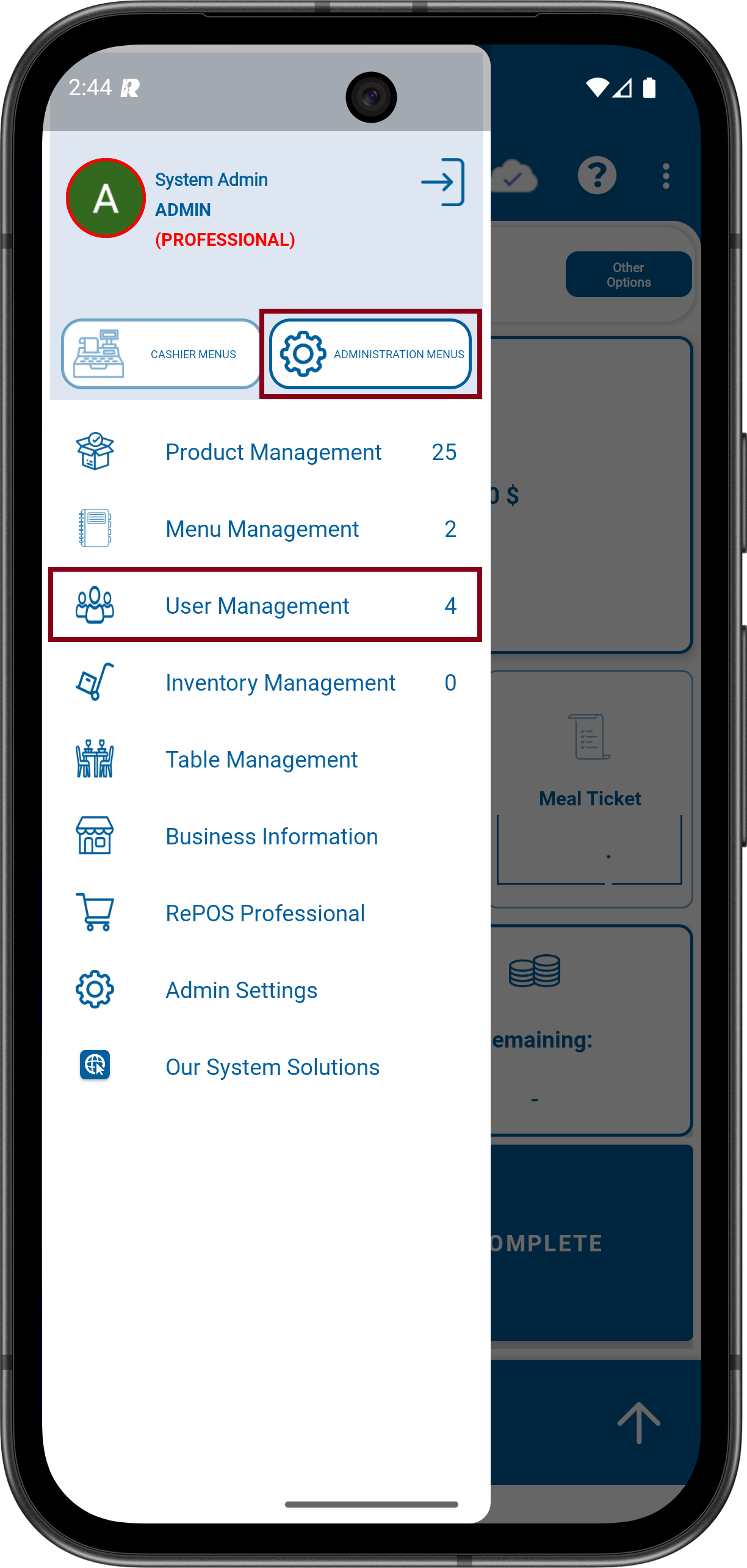
2- Click to Menu icon on the upper Left. Click to ADMINISTRATION MENUS and then click to User Management.
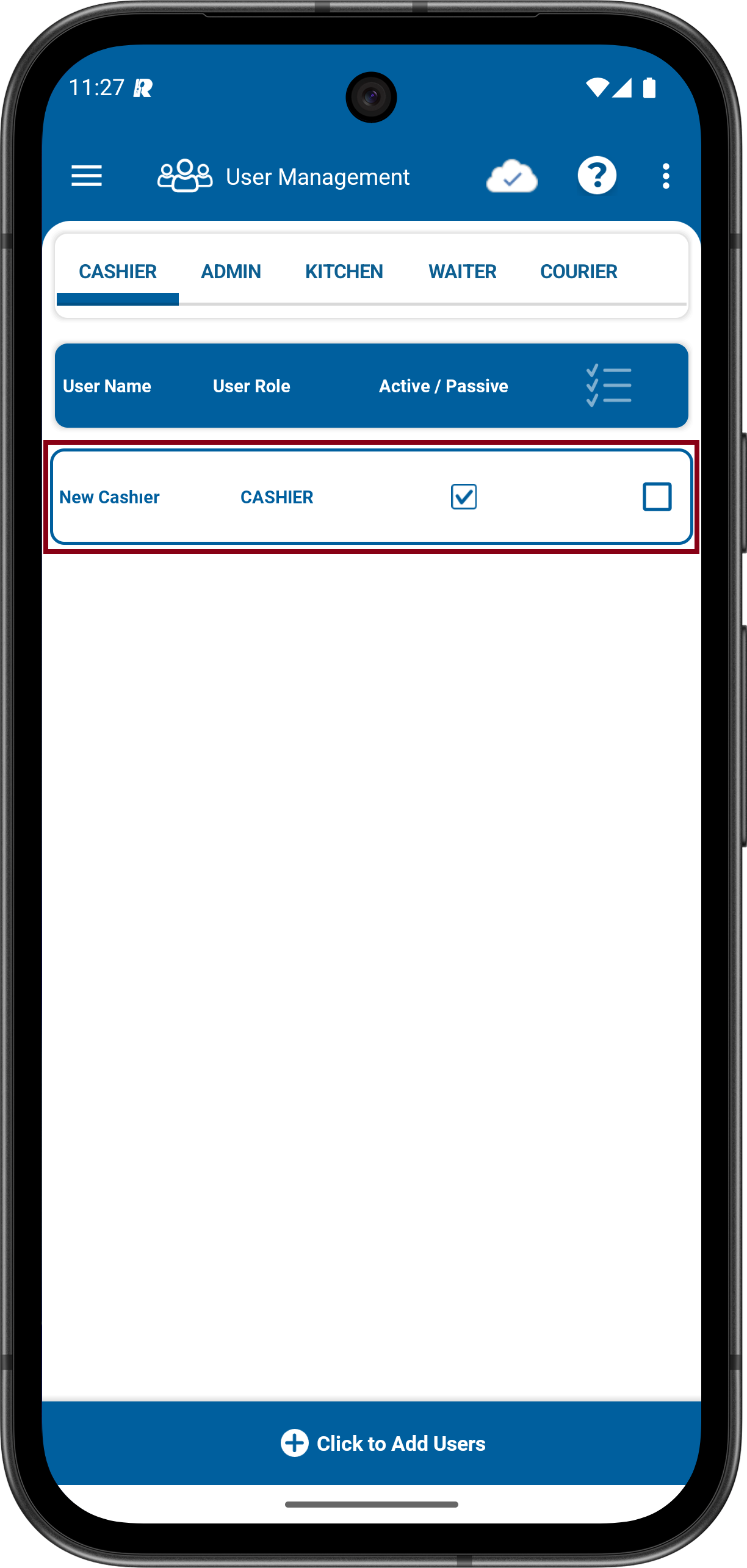
3- Log in to the CASHİER category, then select one of the Cashier users.
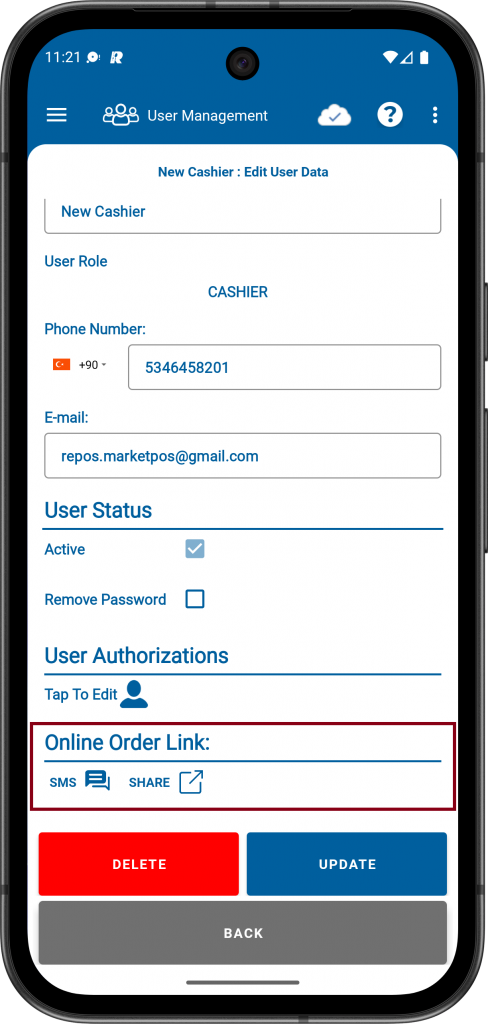
4- From the Online Order Link section, the link can be shared via SMS or through other applications using the SHARE option.