Learn how to update your product details, change images, or modify pricing quickly and easily.
STEPS:
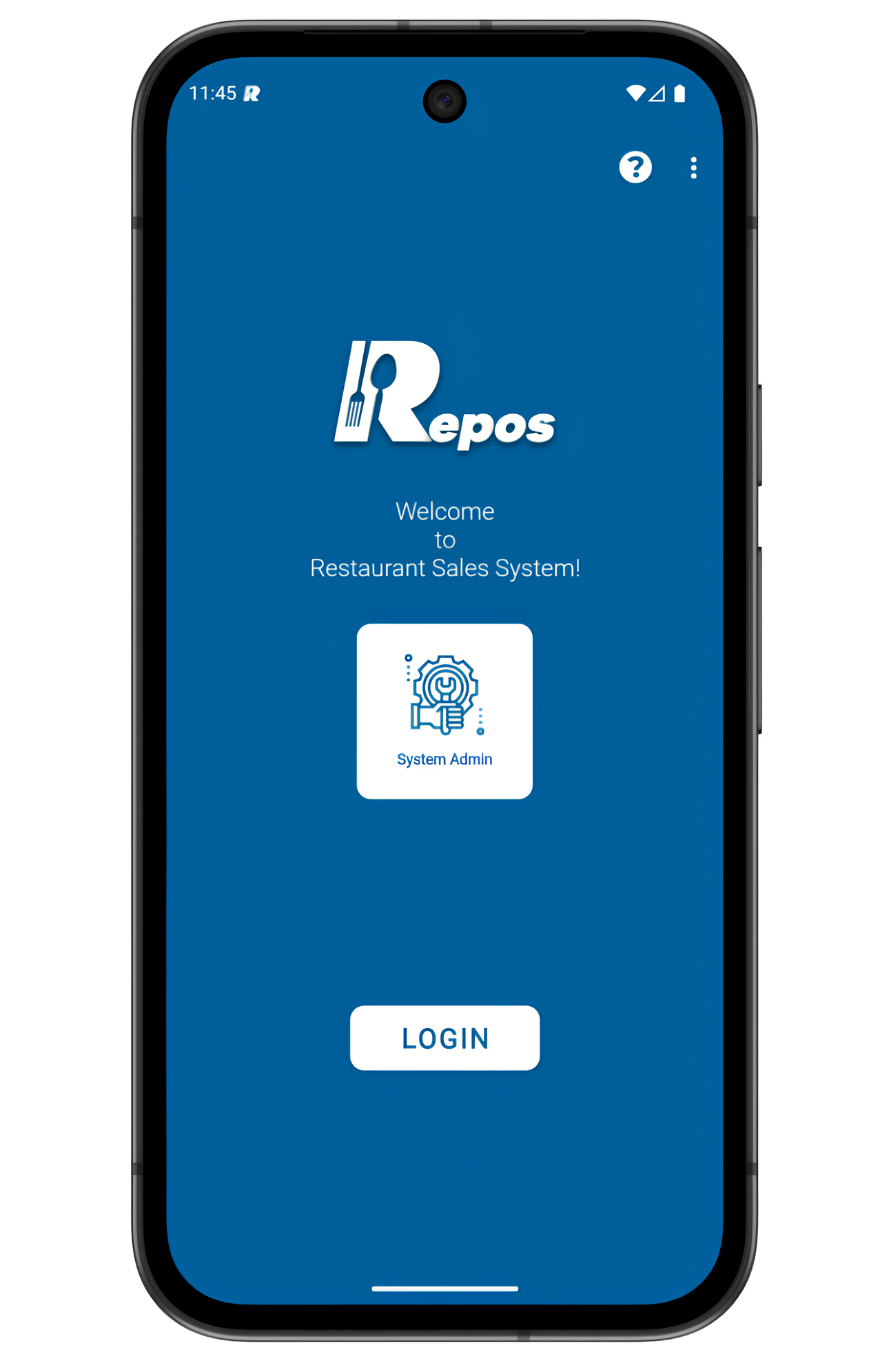
1- Login to the RePOS application as “System Admin” user.
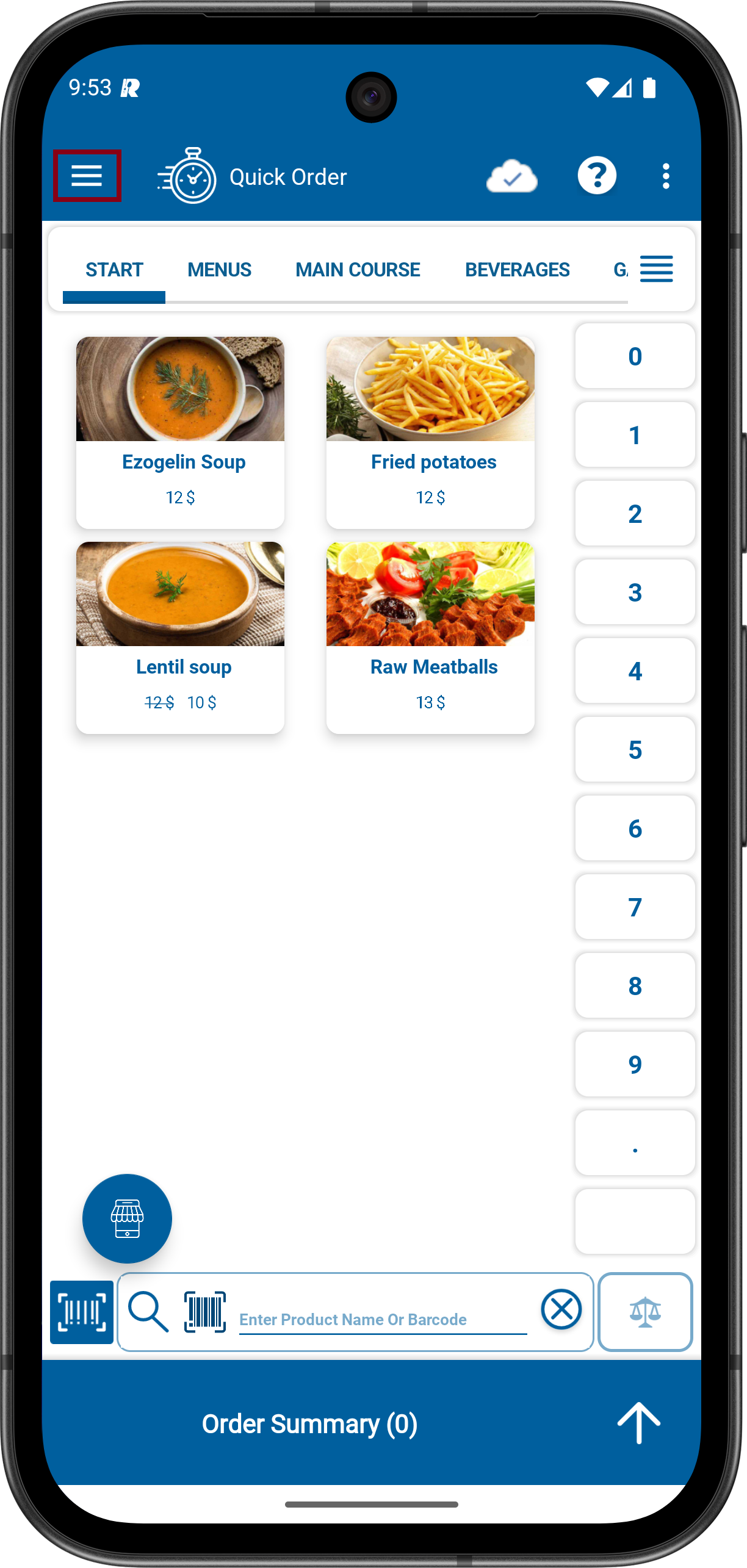
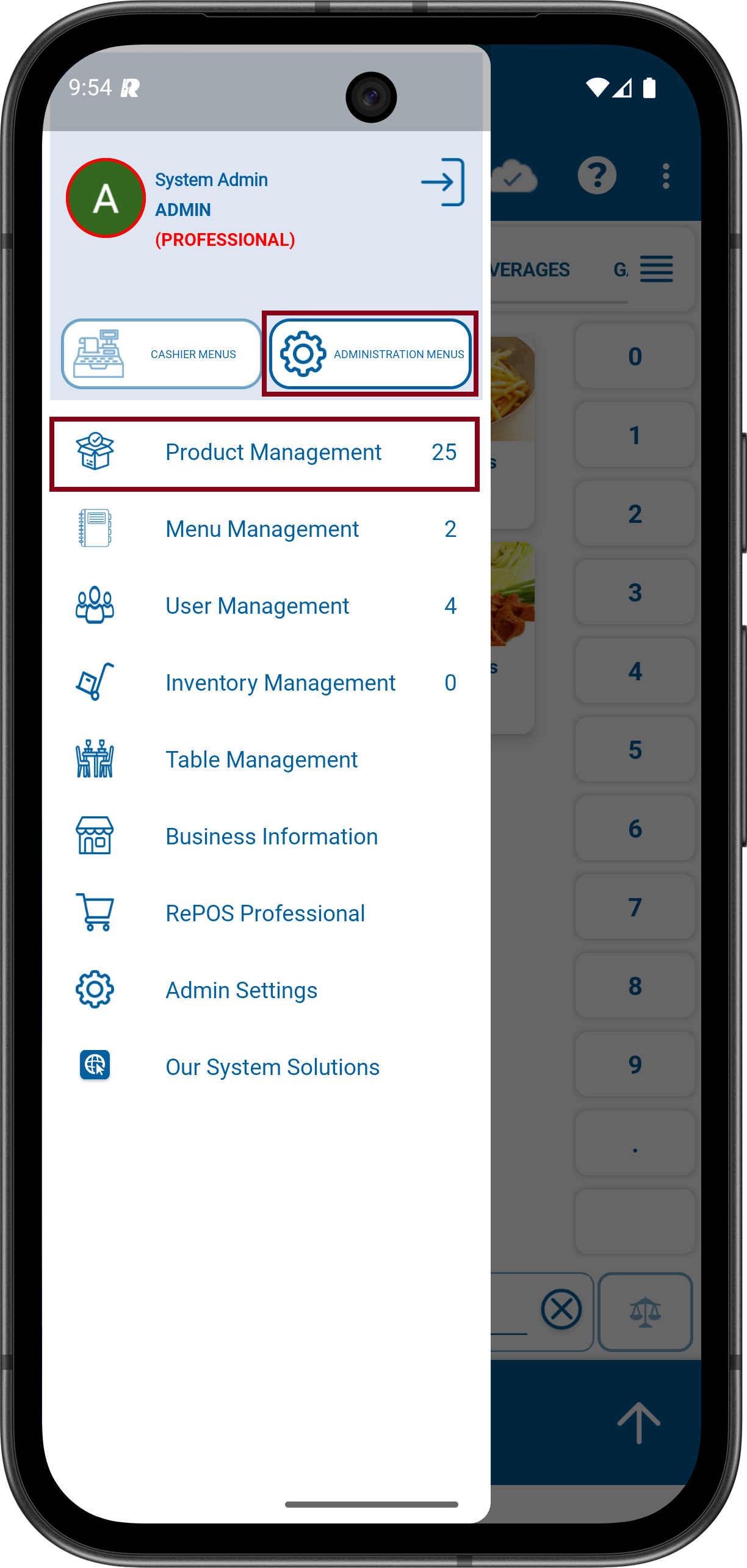
2- Click to Menu icon on the upper Left. Click to ADMINISTRATION MENUS and then click to Product Management.
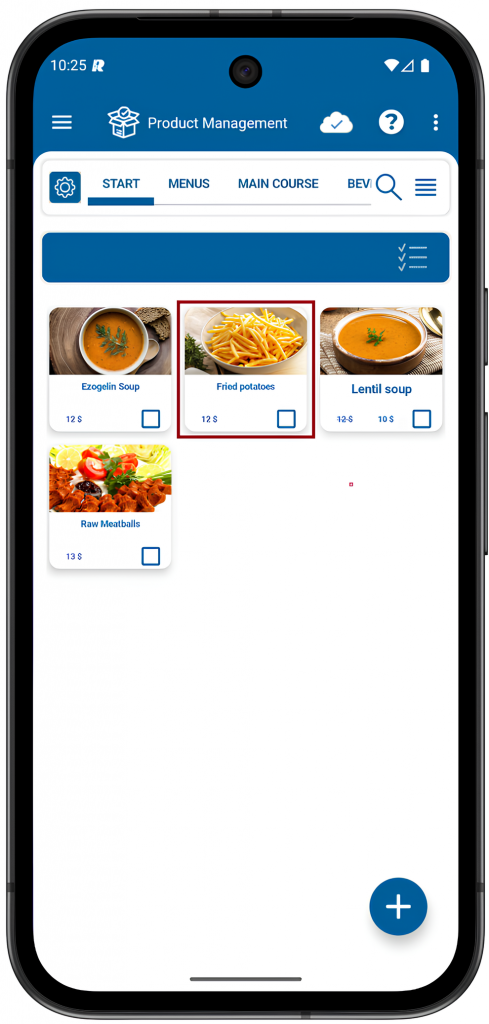
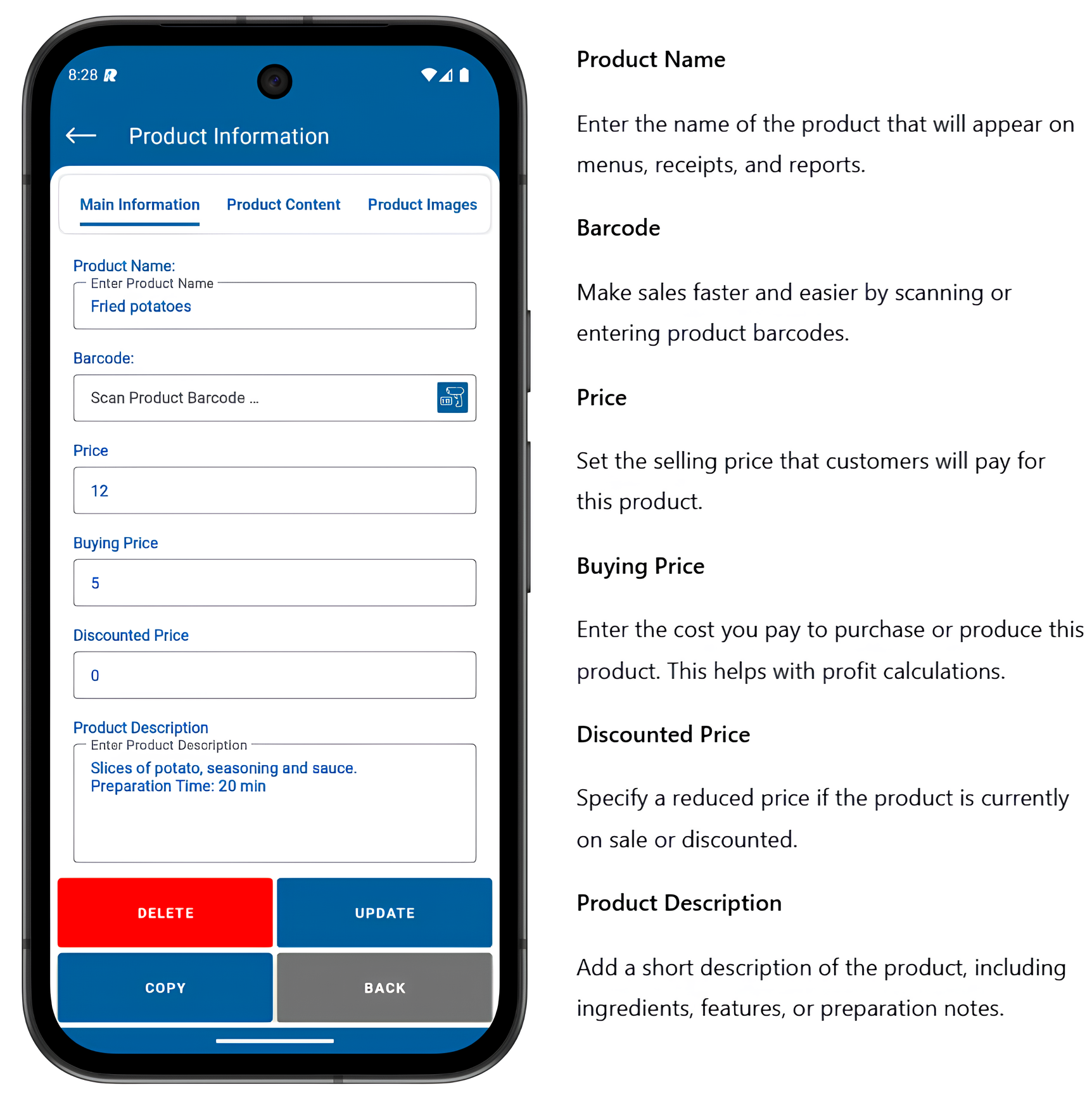
3- From the relevant category, choose the product you want to edit. In this example, we’ll select Fried Potatoes. Next, click on the selected product to access its editing options.
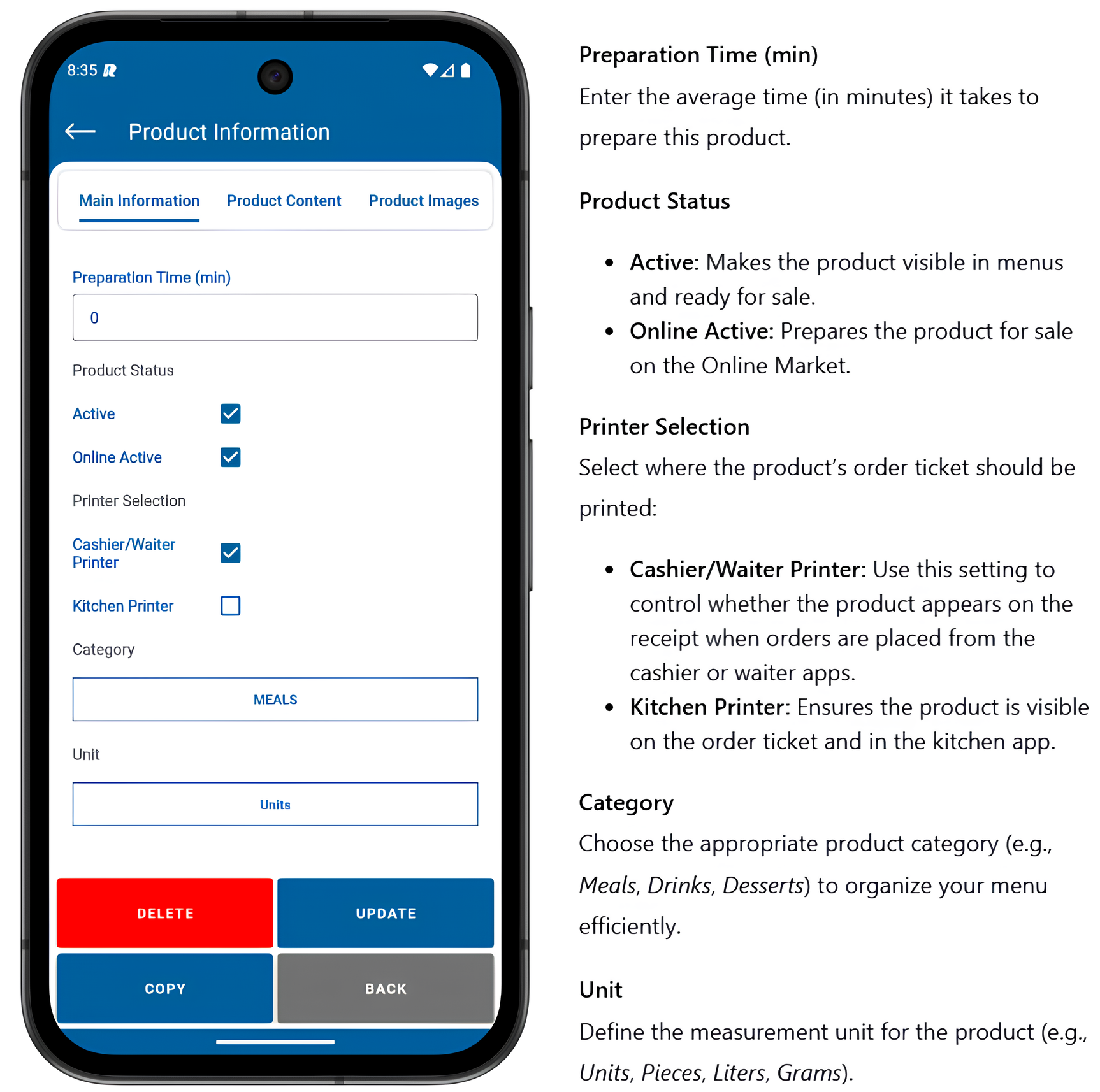
4- Each field on the product edit screen includes a description. Make the necessary changes to the product information and click the UPDATE button to save your changes. The product information editing process has been completed successfully.

Other related pages: