This page will explain the product deletion steps.
You can delete the products that you no longer sell in your business and replace them with different products.
STEPS:
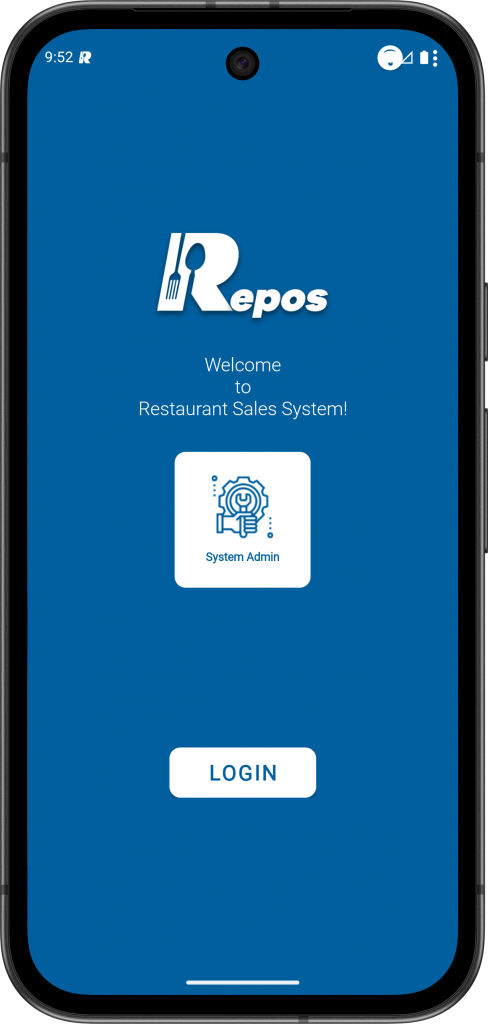
1- Login to the RePOS application with “System Admin“ user.
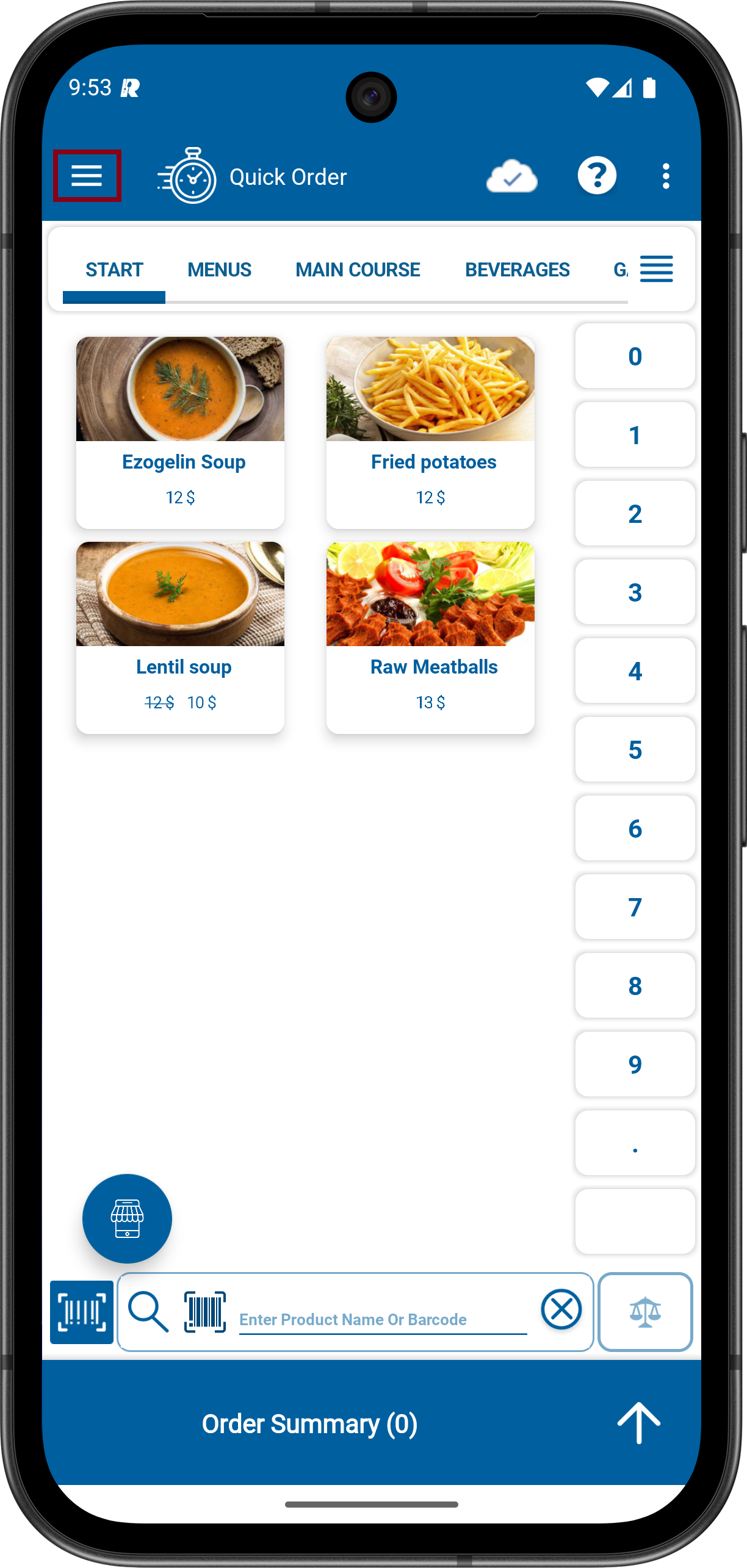
2- Click to Menu icon on the upper Left. Click to ADMINISTRATION MENUS and then click to Product Management.

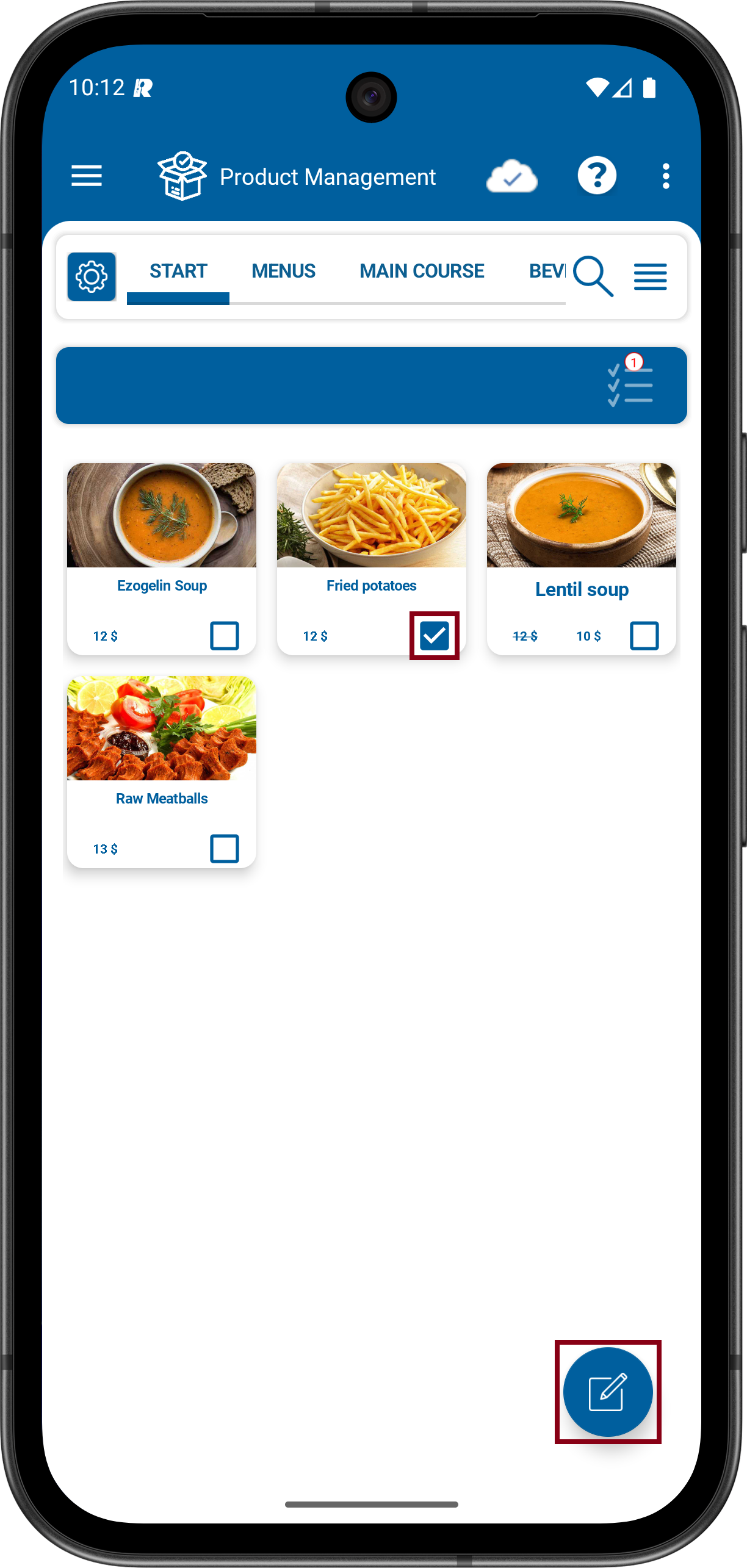
3- Select the product you want to delete by going to the relevant category section. Tap the delete button.
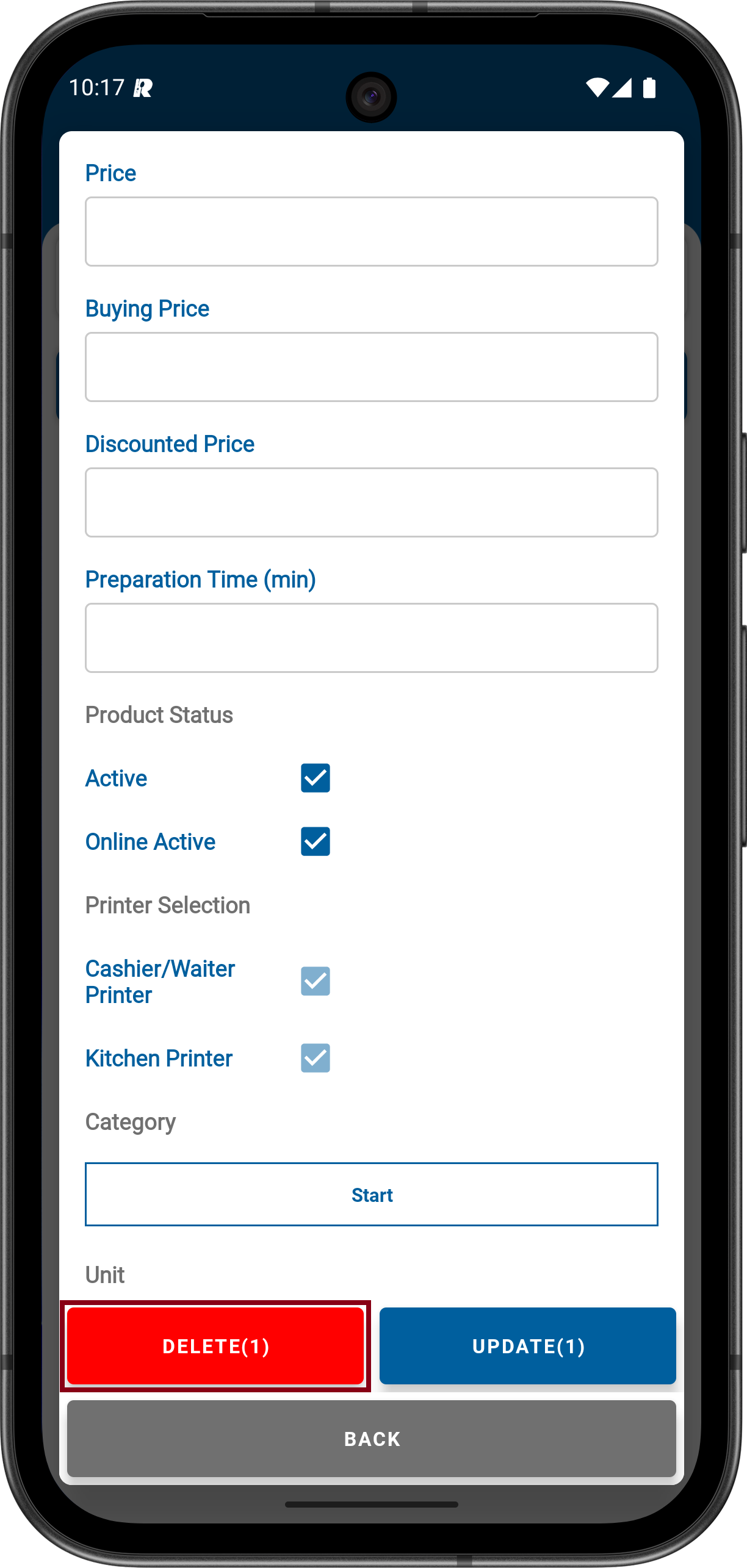
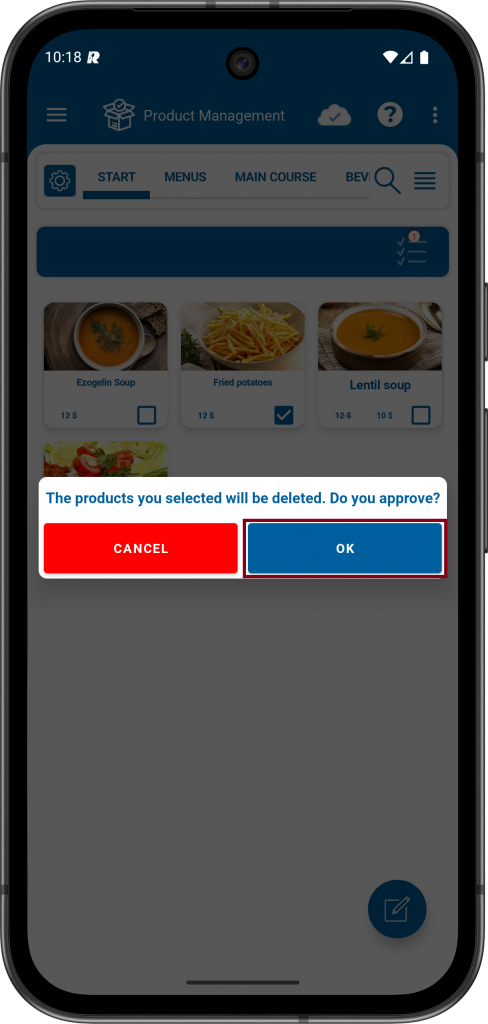
4- Finally, a warning appears saying “The products you selected will be deleted. Do you approve?” By saying yes, you can successfully complete the product deletion process.
5- The operation completed successfully.

Other related pages